
Verwalten eines Finanzbudgets
Überblick
Die Verwaltung von Budgets ist ein wesentlicher Bestandteil der Führung eines Unternehmens. Budgets helfen den Menschen, ihr Geld bewusster auszugeben und sie anzuleiten ihre Arbeit zu organisieren und Prioritäten zu setzen, um finanzielle Ziele zu erreichen. Sie ermöglichen Ihr gewünschtes finanzielles Ergebnis planen und dann Ihre tatsächliche Leistung an diesem Plan messen. openAPPone verwaltet Budgets sowohl über allgemeine als auch über analytische Konten.
Zur Veranschaulichung soll das folgende Beispiel dienen. Wir haben gerade ein Projekt mit Smith&Co begonnen und möchten die Einnahmen und Ausgaben für dieses Projekt budgetieren. Wir planen Einnahmen von 1000 und wollen nicht wollen nicht mehr als 700 ausgeben.
Konfiguration
Zunächst müssen wir die entsprechenden Anwendungen installieren, um die Budgetierung nutzen zu können. Das wichtigste Modul ist die Abrechnungs-App. Lassen Sie sich Abrechnung installieren.
Eine weitere Konfiguration ist ebenfalls erforderlich. Gehen Sie zu und aktivieren Sie die Kostenrechnung

Haushaltspositionen
Budgetary positions sind Listen von Konten, für die Sie Budgets führen wollen Budgets (in der Regel Aufwands- oder Ertragskonten). Sie müssen definiert werden damit openAPPone weiß, von welchen Konten er die Budgetinformationen abrufen muss.
Die budgetary positions fungieren als eine Art Beschränkung dessen, was in der in der Spalte “praktischer Betrag” in einem Haushaltsplan.
Jede budgetary position kann eine beliebige Anzahl von Konten aus dem Hauptbuch (Hauptkontenplan) zugewiesen werden, es muss jedoch mindestens eines davon vorhanden sein.
If you record a transaction that has an analytic account assigned to it that is included in a budget line but one of the general ledger accounts is not included in the budgetary position for that same budget line, it will not appear within the ‘practical amount’ column of that budget line.
Some budgetary positions might be already installed with your chart of accounts.
To define the positions enter the .
For our example we need to define what accounts relates to our project’s expenses. Create a position and add items to select the accounts.
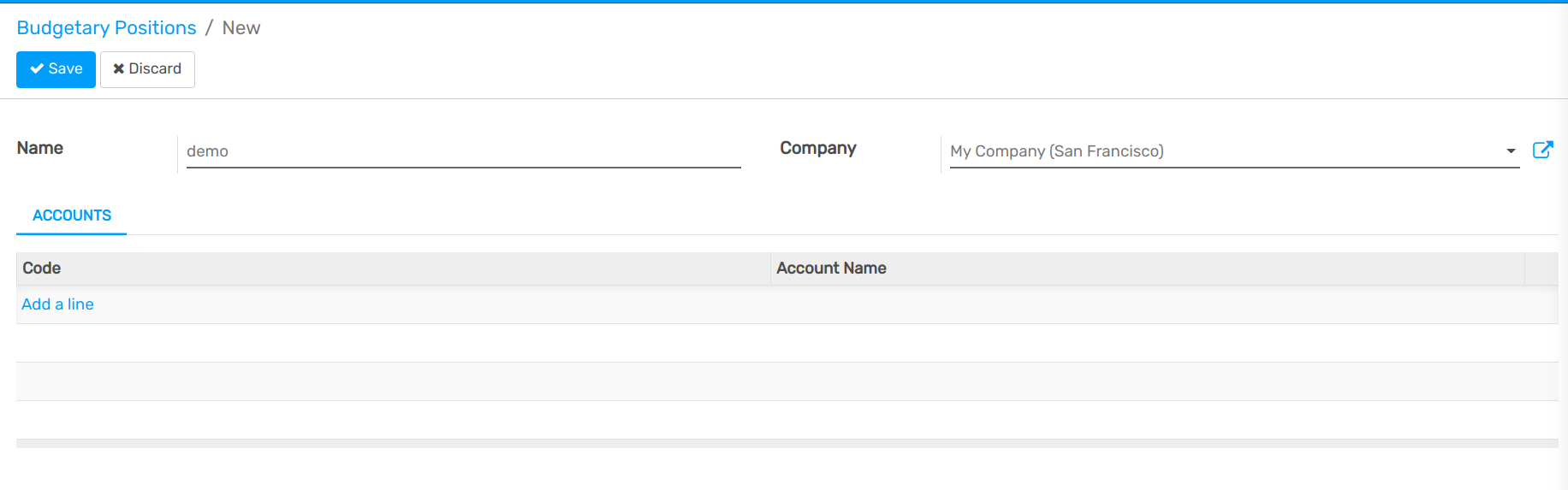
In this case we select the three relevant accounts used wherein we will book our expenses.
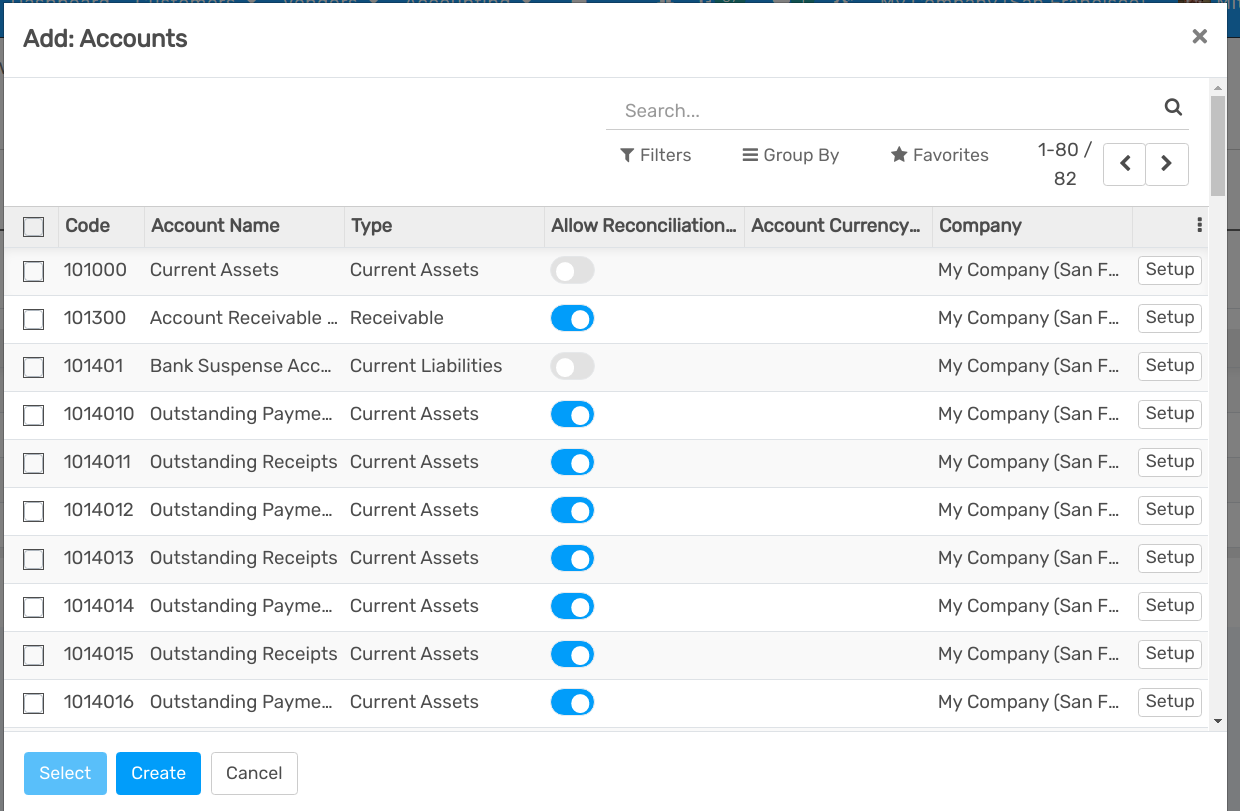
Click on Select.
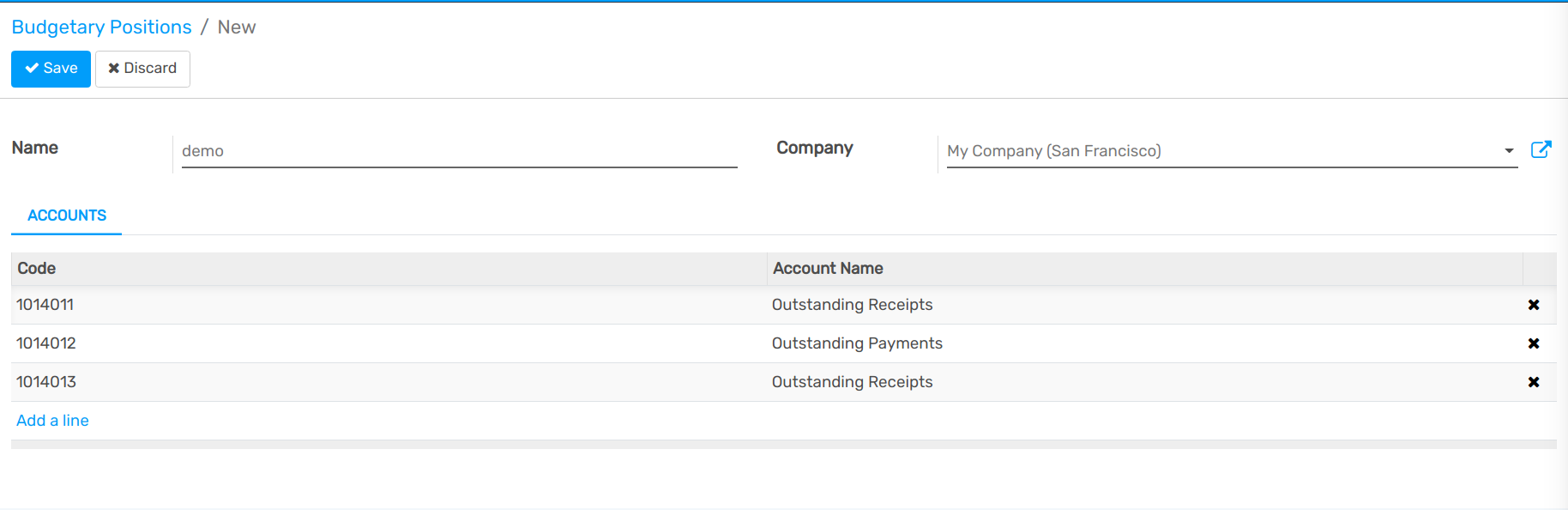
Save the changes to confirm your Budgetary position.
Repeat this steps to create a revenue budgetary position. Only in this case select the relevant income accounts.
Analytical account
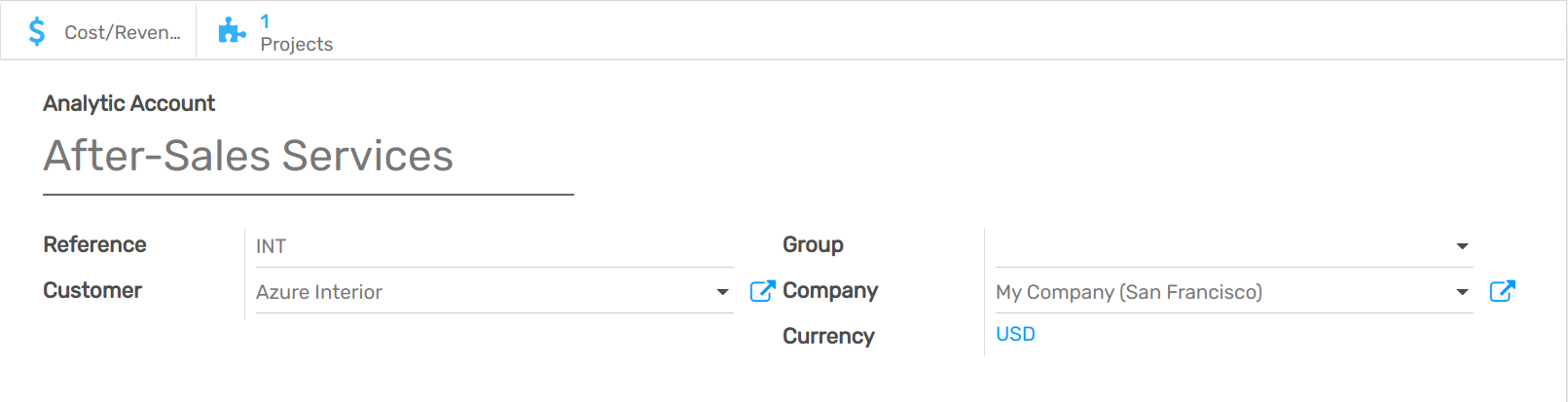
openAPPone needs to know which costs or expenses are relevant to a specified budget. To do so we need to link our invoices and expenses to a defined analytical account. Create an analytical account by entering the Accounting module and clicking . Create a new Account called Smith&Co project and select the related partner.
Set a budget
Let’s now set our targets for our budget. We specified that we expect to gain 1000 with this project and we would like not to spend more than 700.
To set those targets, enter the accounting app, select and create a new Budget.
We have to give a name to the budget. In this case we’ll call it “Smith Project”. Select the period wherein the budget will be applicable. Next add an item to specify your targets in the Budget Line.
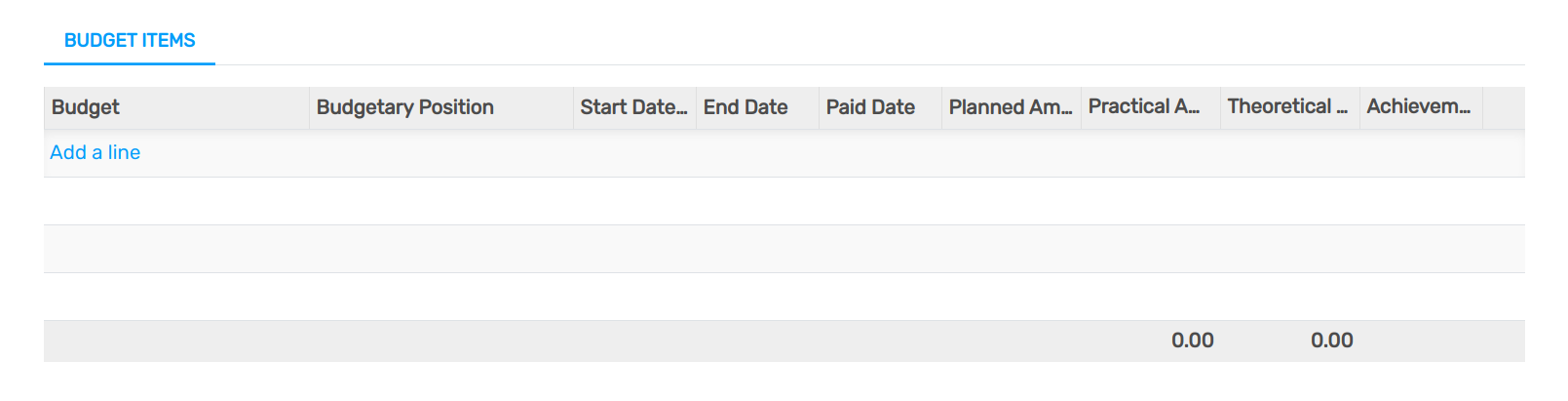
Select the Budgetary Position related to the Budget Line. In other words, select the position that points to the accounts you want to budget. In this case we will start with our 700 maximum charge target. Select the “Cost” Budgetary Position and specify the Planned Amount. As we are recording a cost, we need to specify a negative amount. Finally, select the corresponding analytic account.
Check your budget
You can check your budget at any time. To see the evolution, let’s book some Invoices and Vendors Bills.
Tip
If you use analytical accounts remember that you need to specify the account in the invoice and/or purchase line.
See also
For more information about booking invoices and purchase orders see Overview of the invoicing process
Go back in the budget list and find the Smith Project.
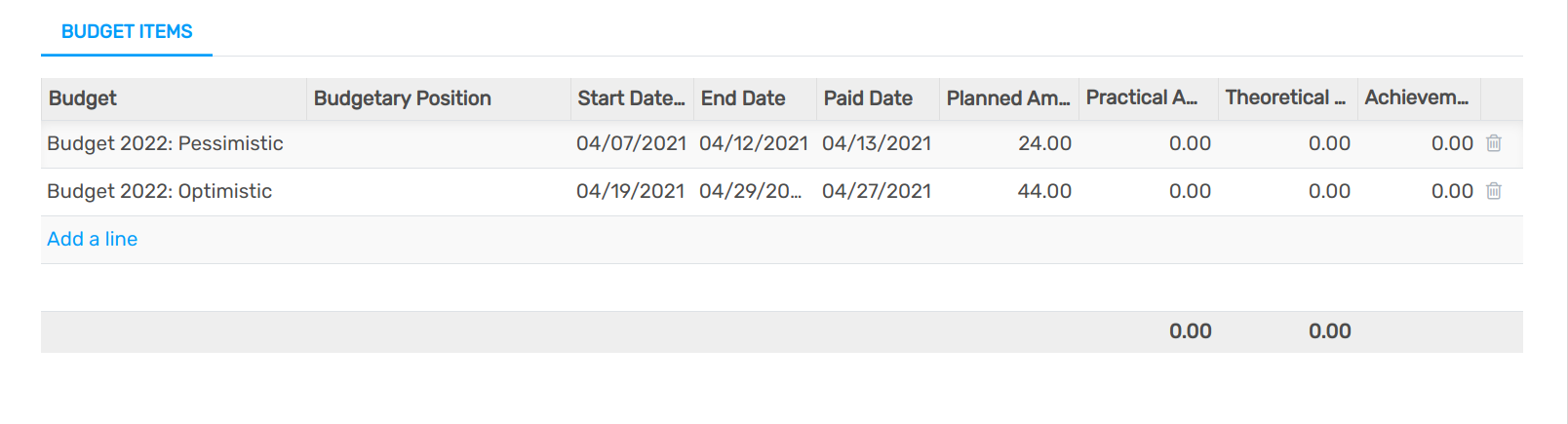
Via the analytical account, openAPPone can account the invoice lines and purchase lines booked in the accounts and will display them in the Practical Amount column.
Note
The theoretical amount represents the amount of money you theoretically could have spend / should have received in function of the date. When your budget is 1200 for 12 months (january to december), and today is 31 of january, the theoretical amount will be 100, since this is the actual amount that could have been realised.